Deciding on the right technical foundation for your business is one of the most critical choices you will make in the digital age. For decades, companies relied exclusively on physical hardware tucked away in dedicated server rooms to power their daily operations. This traditional approach gave businesses total control over their data, but it also required a massive upfront investment in hardware and cooling.
As high-speed internet became more reliable, the rise of cloud computing offered a radical new way to manage digital resources. Instead of buying physical boxes, you can now rent computing power and storage from massive global providers like Amazon or Google. This shift has changed the conversation from managing hardware to managing services and outcomes.
Understanding the nuances of both models is essential because there is no “one-size-fits-all” answer for every organization. Whether you are a small startup or a global enterprise, your infrastructure choice will dictate your agility, security posture, and financial health for years to come. Let’s explore the deep differences between these two worlds to find the perfect fit for your specific needs.
The Core Concept of On-Premise IT
When we talk about on-premise infrastructure, we are referring to the classic setup where servers are physically located within your building. You own the hardware, you control the cables, and you are responsible for every single update or repair.
This model is like owning a house where you have to fix the roof and the plumbing yourself. While it requires more work, it offers a level of privacy and customization that some industries still find absolutely necessary.
A. Total control over data physical location and access protocols.
B. No reliance on third-party internet connectivity for local office tasks.
C. High initial capital expenditure for purchasing servers and networking gear.
The Evolution of Cloud Computing
Cloud infrastructure functions more like a utility company, similar to how you pay for electricity or water at home. You don’t own the power plant; you simply pay for the amount of energy you consume each month.
The hardware lives in massive, highly secure data centers managed by experts who handle all the maintenance and security patches. This allows your team to focus on building products instead of swapping out dead hard drives or managing air conditioning units.
A. Pay-as-you-go pricing models that scale with your actual usage.
B. Instant access to the latest hardware and software innovations.
C. Remote accessibility that allows your team to work from anywhere in the world.
Financial Impacts: CapEx vs. OpEx
One of the biggest differences between these two models lies in how they affect your company’s bank account. On-premise setups are considered Capital Expenditure (CapEx) because you pay a huge amount of money upfront for equipment.
Cloud computing is an Operational Expenditure (OpEx), which means it shows up as a monthly subscription cost on your balance sheet. This makes it much easier for small businesses to start with professional-grade tools without needing a large loan.
A. On-premise requires budgeting for hardware replacement every three to five years.
B. Cloud allows for predictable monthly costs that align with your current revenue.
C. Maintenance costs like electricity and cooling are hidden “extras” in on-premise budgets.
Scalability and Business Agility
Business growth is rarely a straight line, and your infrastructure needs to be able to react to sudden changes. If your website suddenly gets a million visitors, a cloud setup can automatically add more power in seconds to handle the load.
In an on-premise world, you would have to order a new server, wait for it to be shipped, and then manually install it. This lack of speed can cause you to lose customers during a sudden peak in demand or a successful marketing campaign.
A. Vertical scaling involves adding more power to an existing virtual machine.
B. Horizontal scaling adds more machines to share the workload during busy times.
C. Cloud flexibility prevents you from paying for idle hardware during slow business periods.
Security and Data Sovereignty
Security is often the most debated topic when comparing the cloud to physical on-site servers. Many people feel safer knowing their data is in a box they can touch and see in their own office.
However, cloud providers like Microsoft and AWS spend billions of dollars on security personnel and advanced encryption every year. Most small to medium businesses cannot afford the level of security that comes standard with a basic cloud subscription.
A. On-premise security depends entirely on your local IT team’s expertise and vigilance.
B. Cloud security follows a “shared responsibility” model where both parties play a role.
C. Compliance with regulations like GDPR or HIPAA can be easier with pre-certified cloud tools.
Performance and Latency Issues
Performance is a key factor if your business relies on heavy data processing or high-speed video editing. When your servers are in the same room as your employees, the connection is incredibly fast and has very low latency.
Cloud servers might be located hundreds of miles away, which can introduce slight delays in data transmission. For most office tasks, this delay is invisible, but for specialized industrial applications, it can be a deal-breaker.
A. Local Area Networks (LAN) offer the highest possible speeds for internal office work.
B. Cloud performance depends heavily on the quality and speed of your internet provider.
C. Edge computing is a newer cloud trend that puts servers closer to your physical location.
Disaster Recovery and Reliability
What happens to your business if a pipe bursts in your office or a fire breaks out in the server room? With an on-premise setup, you could lose all your data forever if you don’t have a perfect off-site backup system.
The cloud is built with redundancy in mind, meaning your data is often copied across multiple geographic regions automatically. If one data center goes down, another one picks up the slack without your customers even noticing a glitch.
A. Automated backups in the cloud happen in real-time without manual intervention.
B. On-premise recovery requires a dedicated strategy and physical backup tapes or drives.
C. Service Level Agreements (SLAs) in the cloud usually guarantee 99.9% uptime for users.
Customization and Specialized Hardware
Sometimes, a business needs a very specific type of hardware that is not commonly available in the public cloud. On-premise infrastructure allows you to build a “Frankenstein” machine tailored exactly to your unique software requirements.
While cloud providers offer many options, they are ultimately standardized products designed for the masses. If your industry uses legacy software that requires ancient operating systems, the cloud might not be able to support you.
A. Total freedom to choose every component from the processor to the storage type.
B. Ability to run legacy systems that are no longer supported by modern cloud environments.
C. Physical control over the ports and peripheral devices connected to the server.
The Strategic Value of the Hybrid Model
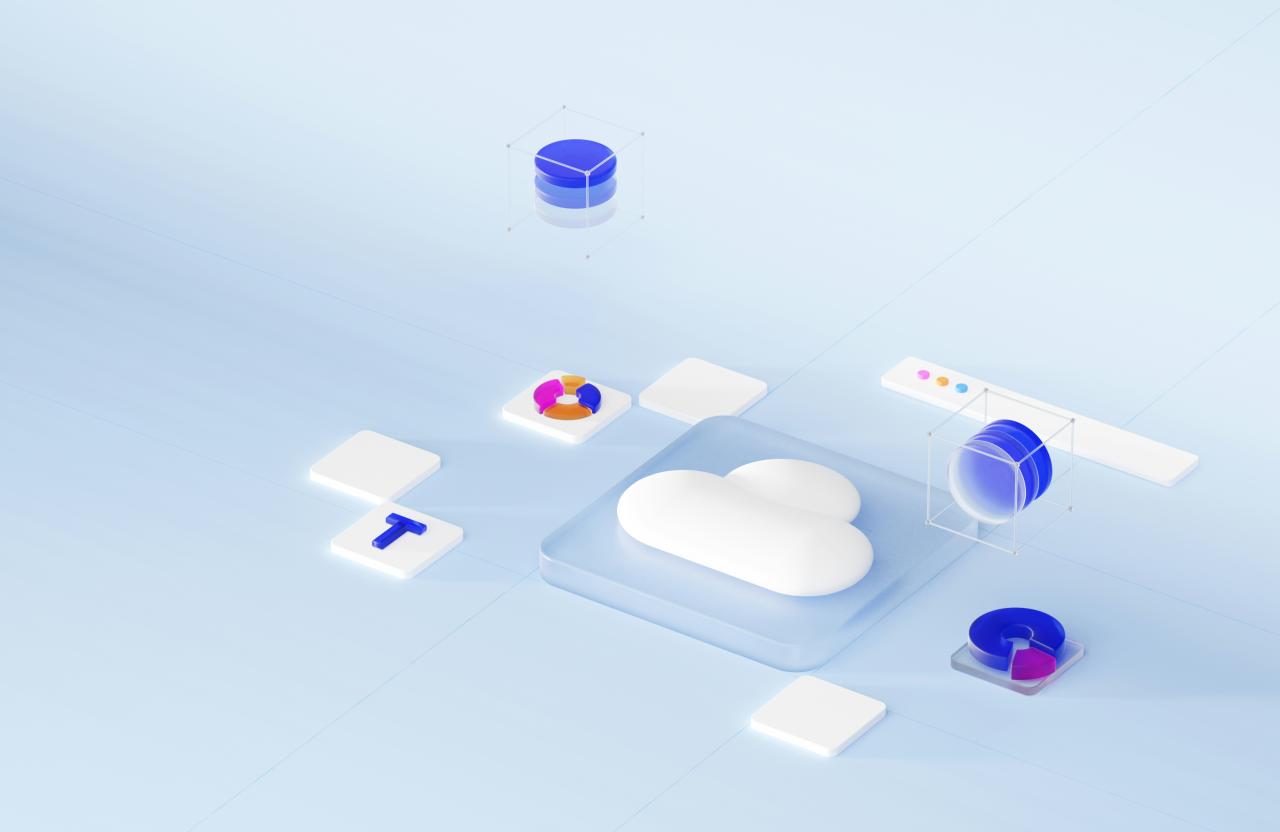
Many modern companies are deciding that they don’t have to choose just one side of this debate. The hybrid cloud model combines the best of both worlds by keeping sensitive data on-site while using the cloud for everything else.
You can keep your core customer database in your own private server for maximum security and compliance. Meanwhile, you can host your public-facing website in the cloud to take advantage of its global reach and speed.
A. Use the cloud for “Cloud Bursting” when your local servers reach their maximum capacity.
B. Keep sensitive intellectual property on-site to minimize the risk of a massive data breach.
C. Connect both systems using a secure VPN so they function as one single network.
Environmental Impact and Sustainability
Large-scale cloud data centers are significantly more energy-efficient than thousands of small, poorly cooled office server rooms. Cloud providers are also the biggest buyers of renewable energy in the world today.
Running your own servers means you are responsible for the constant electricity needed for cooling and power. Moving to the cloud can help your business meet its “green” goals and reduce your overall carbon footprint.
A. Cloud providers use advanced AI to optimize cooling and reduce wasted electricity.
B. Shared resources mean fewer physical machines need to be manufactured and eventually recycled.
C. Moving to the cloud eliminates the need for noisy, heat-generating hardware in your workspace.
The Role of IT Staff and Expertise
Managing on-premise hardware requires a team of people who know how to crimp cables, replace fans, and manage physical storage. As you move to the cloud, the role of your IT staff shifts toward software management and architecture.
You no longer need “hardware guys” as much as you need “cloud architects” who understand how to optimize virtual systems. This allows your team to spend more time on innovation and less time on fixing broken physical equipment.
A. Reduce the need for 24/7 on-site staff to monitor the health of physical server rooms.
B. Invest in training your existing team on modern cloud platforms like Azure or Google Cloud.
C. Leverage managed services where the cloud provider handles the boring database maintenance for you.
Making the Final Decision
To choose correctly, you must analyze your current budget, your growth plans, and your specific industry regulations. Start by auditing your current applications to see which ones are “cloud-ready” and which ones are not.
Don’t be afraid to take a slow approach by moving non-critical tasks to the cloud first to see how it feels. The most successful businesses are those that remain flexible and willing to adapt their infrastructure as technology changes.
A. Small businesses almost always benefit from a “cloud-first” strategy due to lower costs.
B. Highly regulated industries like banking or defense may require a permanent on-premise core.
C. Calculate the “Total Cost of Ownership” over five years for both models before signing any contracts.
Conclusion
Selecting the right infrastructure is a journey that will define your company’s digital potential.
You must look past the marketing hype to find the solution that fits your actual daily workflow.
Cloud computing offers incredible speed and savings for companies that want to scale rapidly.
On-premise solutions still provide the ultimate level of privacy for those with very sensitive data.
The financial shift from buying hardware to subscribing to services is a major win for cash flow.
Safety and reliability are no longer reasons to avoid the cloud, as providers have reached elite levels.
Agility is the most important trait in the modern economy and the cloud delivers it in abundance.
Your IT team will appreciate moving away from physical repairs toward high-level strategic planning.
A hybrid approach is often the smartest way to transition without risking your core operations today.
Whatever you choose, ensure that your data remains portable so you are never locked into one vendor.
The future of business is digital and your infrastructure is the engine that will drive you there.
Would you like me to help you calculate a cost comparison between a specific on-premise server and a cloud instance?